Forms you can build in minutes.
Drag fields into place, publish a link, and collect responses. Search, export to CSV, and spot duplicates from one admin panel.
Free: 1 form, view up to 100 responses. No credit card.
What you get
Build the form. Share the link. Manage the replies.

Drag and drop
Add and reorder fields by dragging. No code.

Templates
Start from parking, event, contact, or complaint forms.

Shareable link
Publish once. Send the link by WhatsApp, email, or QR.
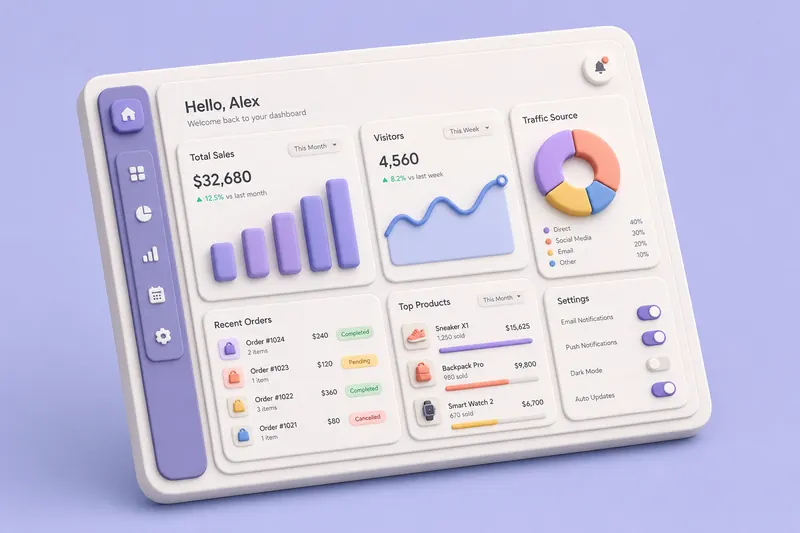
Admin panel
Search and filter every response in one place.
CSV export
Download to Excel. Hebrew and RTL encoding included.

Find duplicates
Flag repeats by phone or name, then delete them.

Hebrew & RTL
Forms work left-to-right or right-to-left.

Your data
Responses live in your Wix account. You own them.
What you build is what they see
A simple form that works on phones and desktops, in any language.
- ✓ Drag fields with mouse or keyboard
- ✓ Text, phone, email, date, and choice fields
- ✓ Live preview while you edit
- ✓ Pick an accent color per form
Event Signup
Takes about 20 seconds.
How it works
Three steps. No setup.

Pick a template
Parking, event, contact, or blank. Open it and start editing.

Edit the fields
Drag fields, change labels, mark required ones. Preview updates as you go.

Publish the link
Share the URL. New responses show up in your admin panel.
Pricing
Start free. Pay when you need more.
Free
Try it with one form.
- ✓1 form
- ✓View up to 100 responses per form
- ✓All field types & templates
- ✓Public link & admin panel
- ✓CSV export
Pro
Unlimited forms and responses.
- ✓Unlimited forms
- ✓Unlimited responses
- ✓Duplicate detection
- ✓Custom accent colors
- ✓Priority support
Questions
Do I need to code? +
No. You build forms by dragging fields.
How do people fill out my form? +
You get a public link when you publish. Share it by WhatsApp, email, or QR code.
Where are responses stored? +
In your Wix data. You own them and can export to CSV anytime.
Does it support Hebrew? +
Yes. RTL and Hebrew work in the form and in CSV exports for Excel.
Free vs Pro? +
Free: 1 form and you can view up to 100 responses per form (we always collect them all). Pro: unlimited forms and responses, plus duplicate detection.
Can I manage submissions? +
Yes. Each form has an admin panel to search, export, find duplicates, and delete.